
Overview
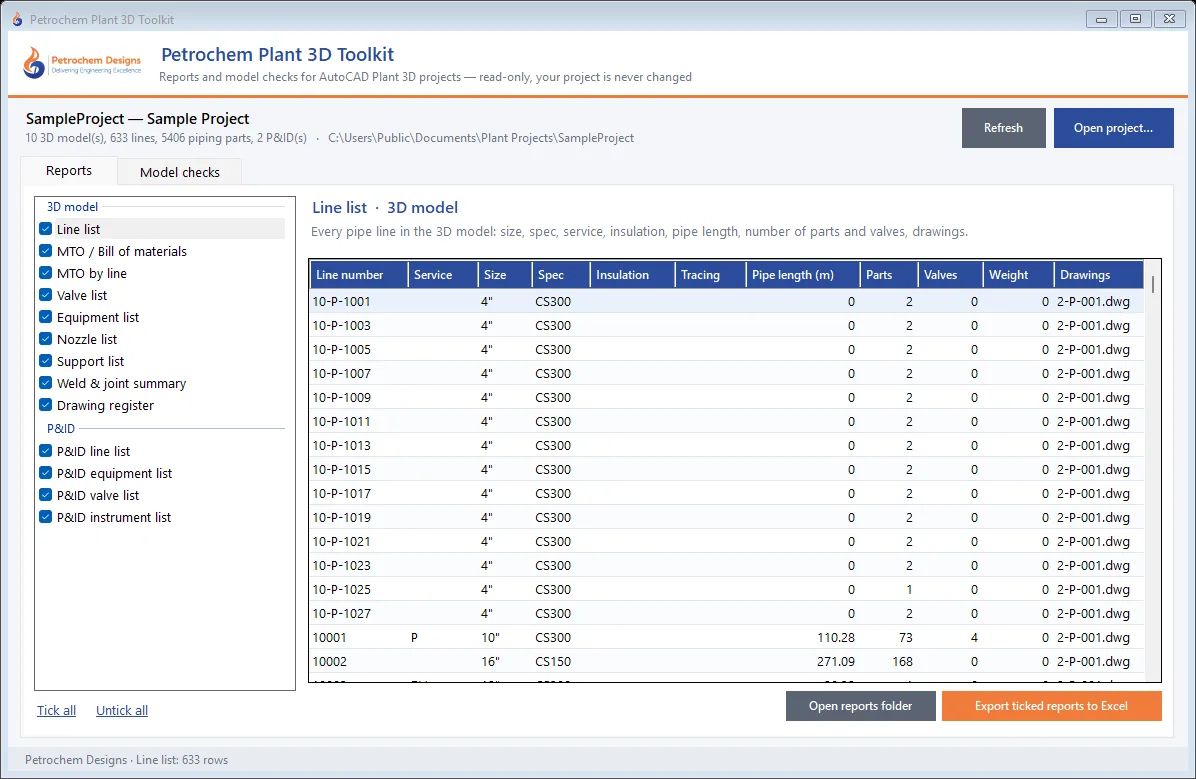
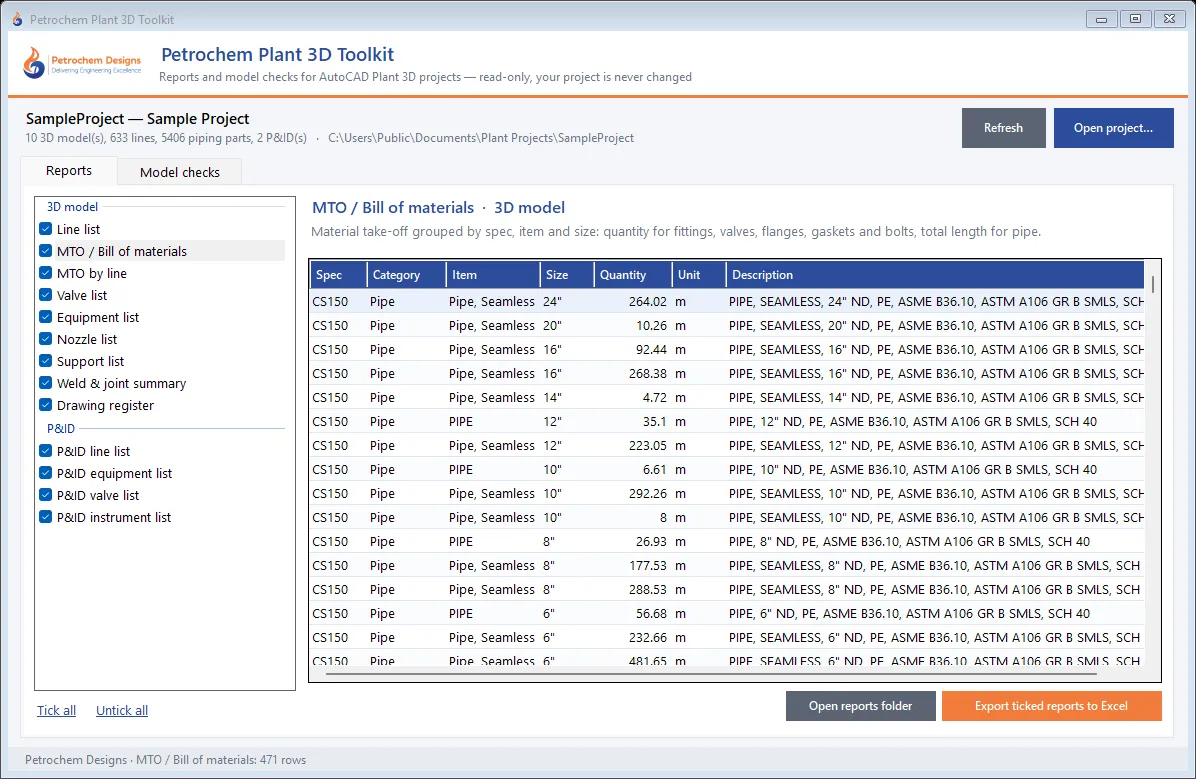
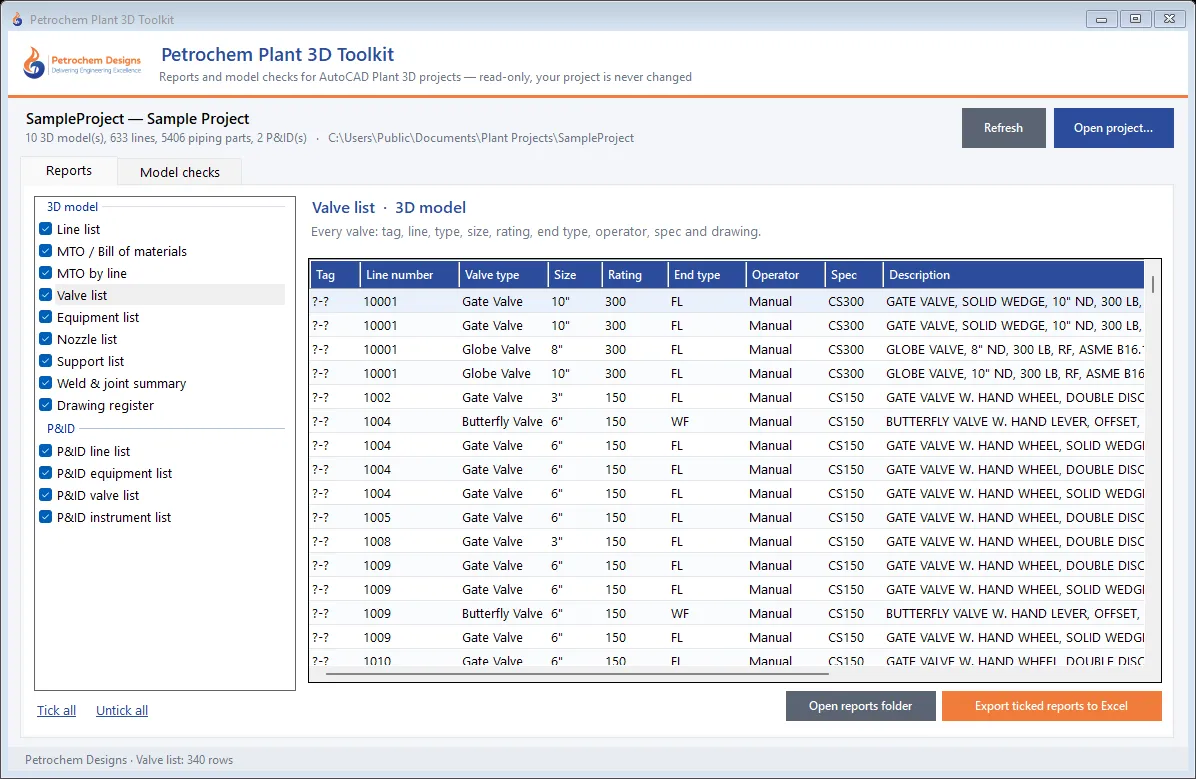
Petrochem Plant 3D Toolkit turns an AutoCAD Plant 3D project into the lists and checks a piping team needs every week — without opening a single drawing. It reads the project databases directly (the 3D piping model and the P&IDs), so a full set of reports for a project with thousands of parts is ready in seconds.
It works on a copy of the databases: nothing in your project is changed, and Plant 3D can stay open while it runs. It does not even need Plant 3D on the PC that runs it — useful for leads, planners and procurement who only need the numbers.
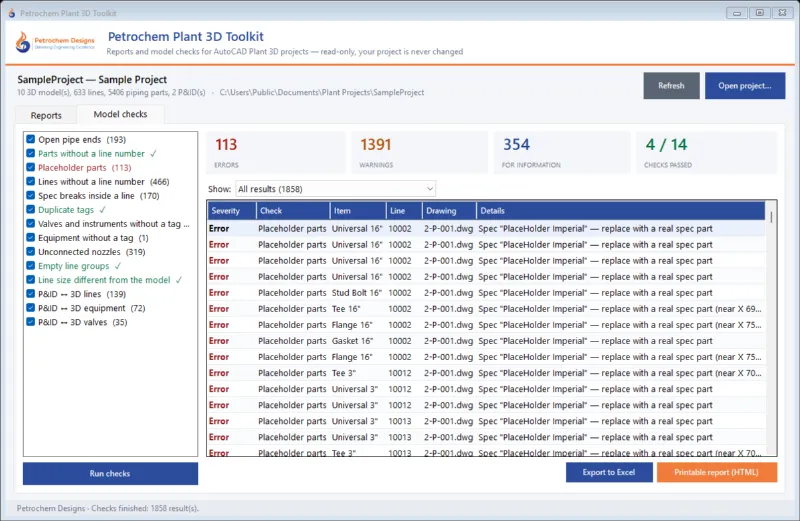
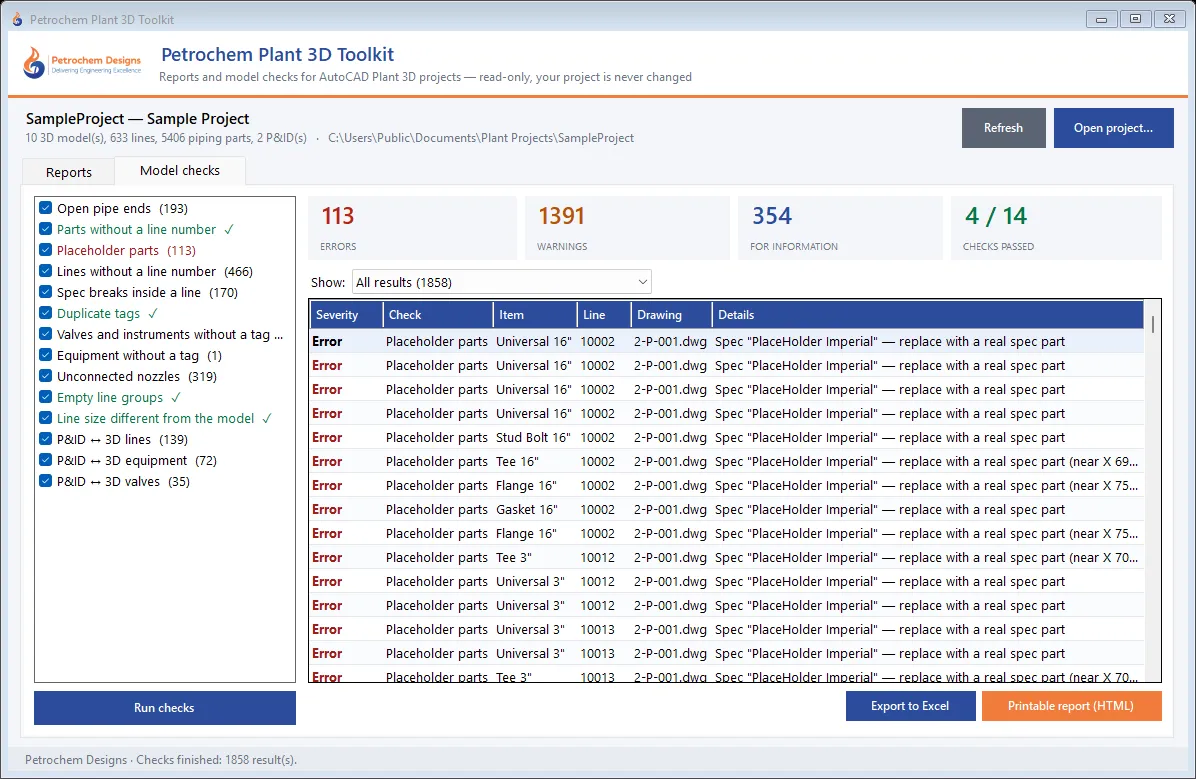
Model checks included
- Placeholder parts (no real spec part)
- Open pipe ends
- Parts without a line number
- Lines without a line number
- Spec breaks inside a line
- Duplicate tags
- Valves and instruments without a tag
- Equipment without a tag
- Unconnected nozzles
- Empty line groups
- Line size different from the model
- P&ID ↔ 3D lines
- P&ID ↔ 3D equipment
- P&ID ↔ 3D valves
Where it helps
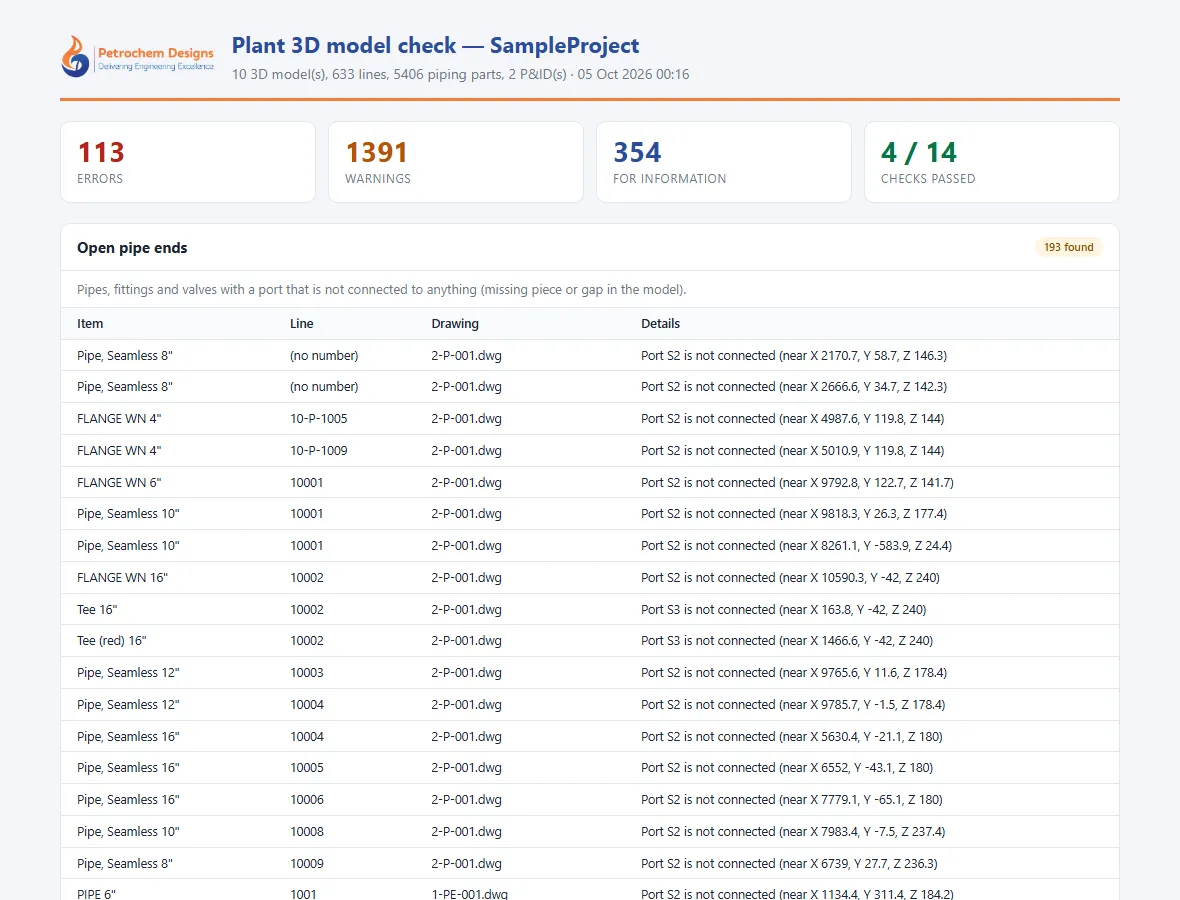
- Before an IFC issue — clear placeholder parts, open ends and missing line numbers first.
- Model reviews (30 / 60 / 90 %) — print the check report for the review meeting.
- Procurement — export the MTO by spec or by line straight to Excel.
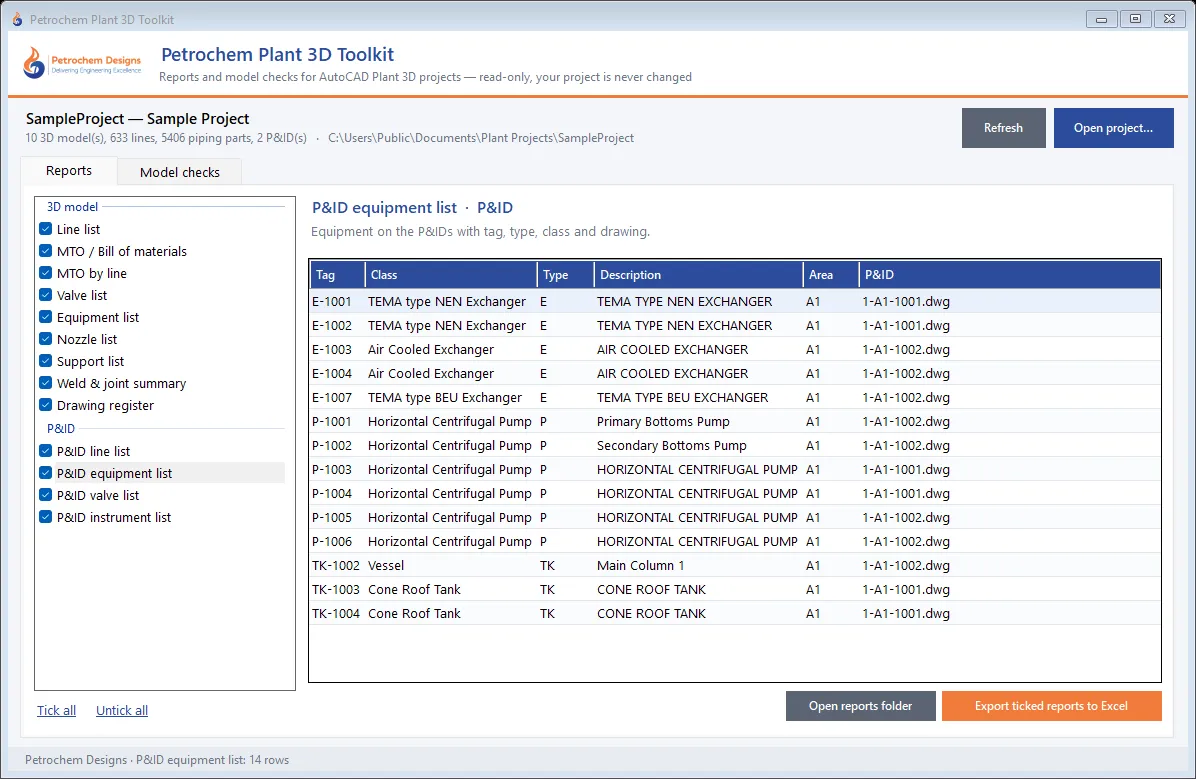
- P&ID consistency — see which lines, equipment and valves on the P&IDs are still missing in the model.
Need a report or check that is specific to your project or client? We add custom reports and rules on request, and we build similar tools for AVEVA E3D and Hexagon S3D projects as part of our CAD automation services.